Create AI-powered Images or Videos with a unique touch

Industry
Generative AI
Deliverables
Mobile app design
Year
@2026

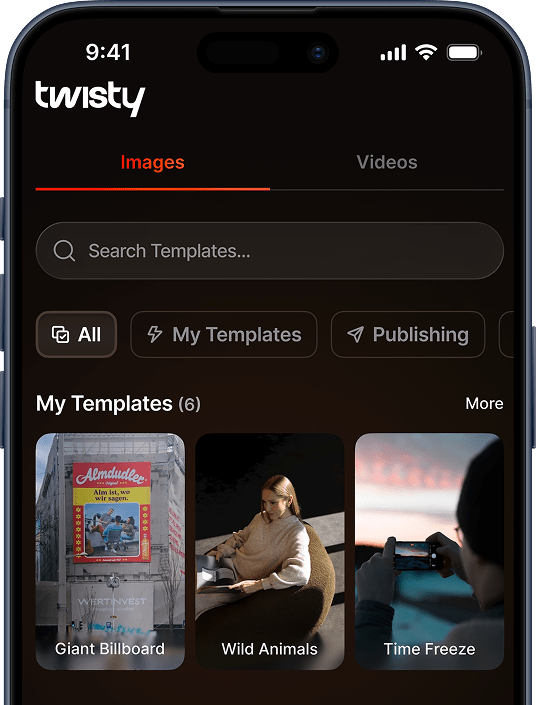
Start with what inspires you

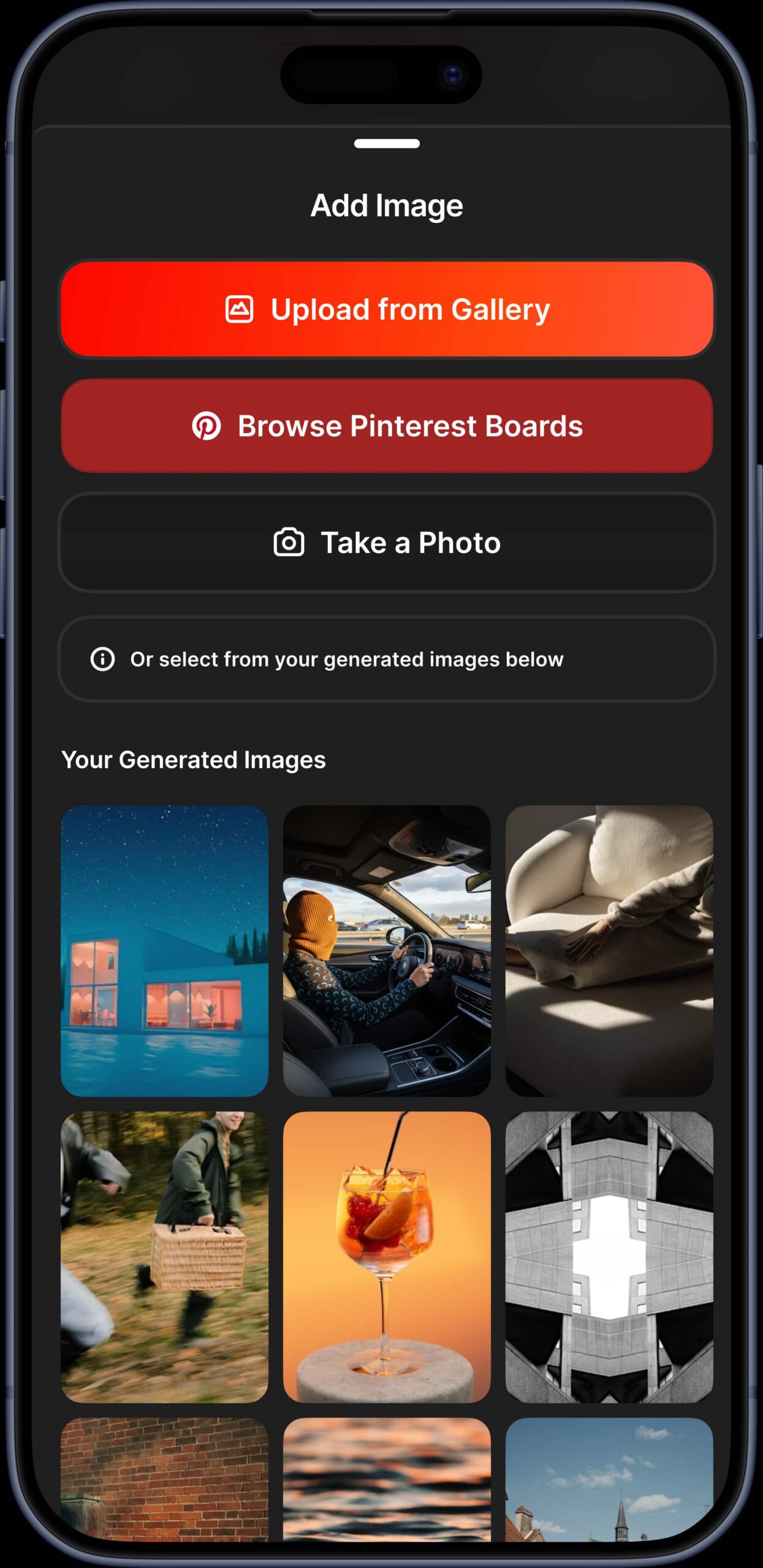
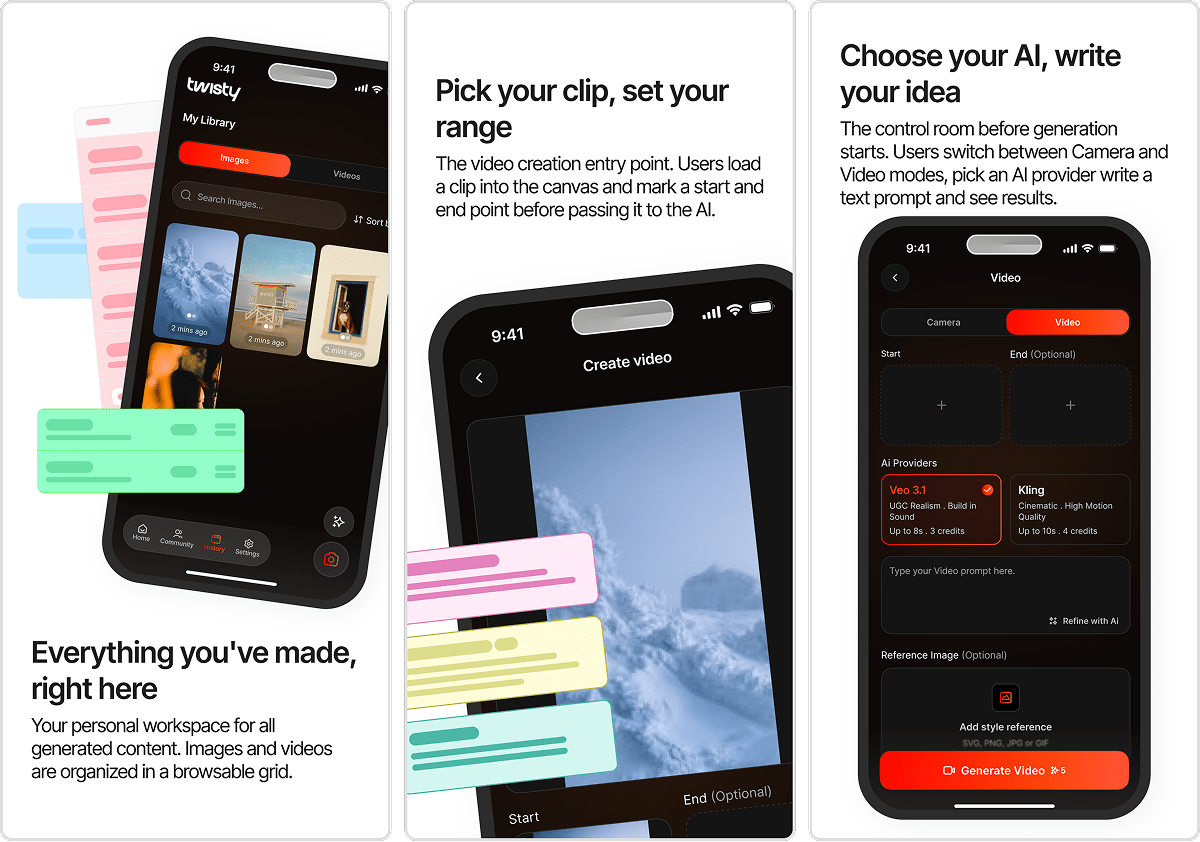
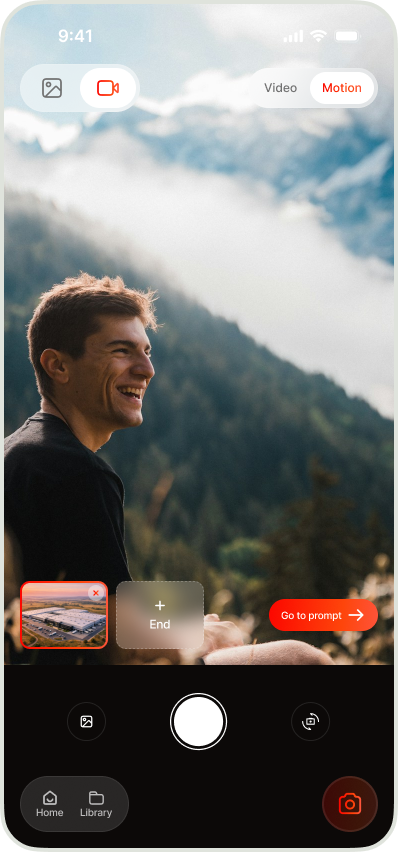
The entry point of the creative flow. Users pick a reference image from three sources: their gallery, Pinterest boards, or the camera.

Below the input options, a grid shows previously generated images so users can revisit past ideas and pick up where they left off. The dark UI keeps focus on the visuals.

Cut it down, then bring it to life

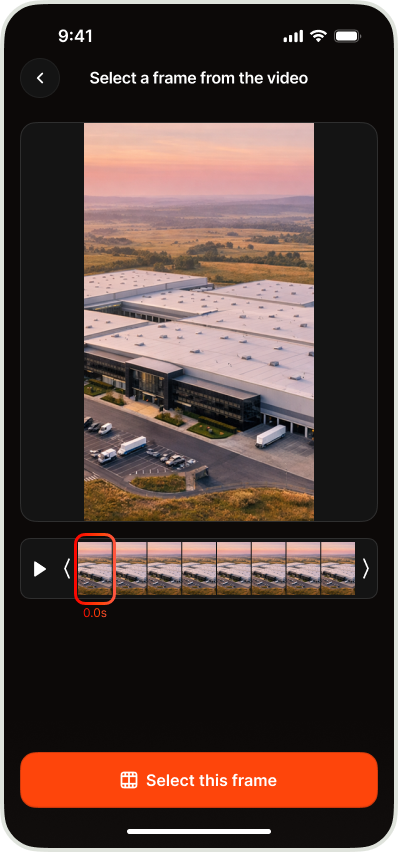
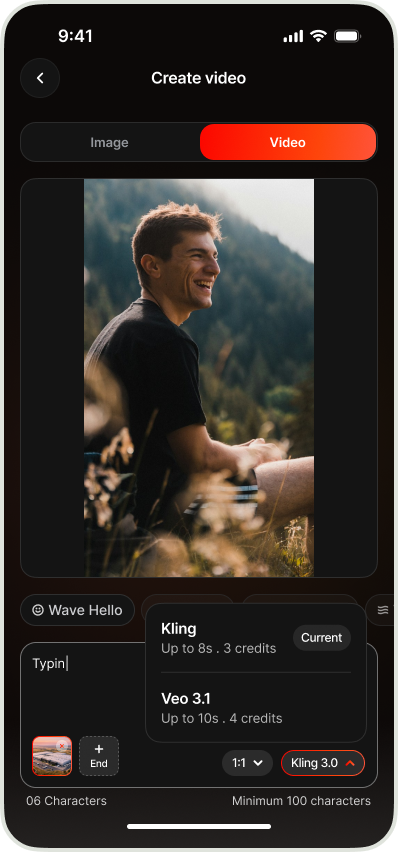
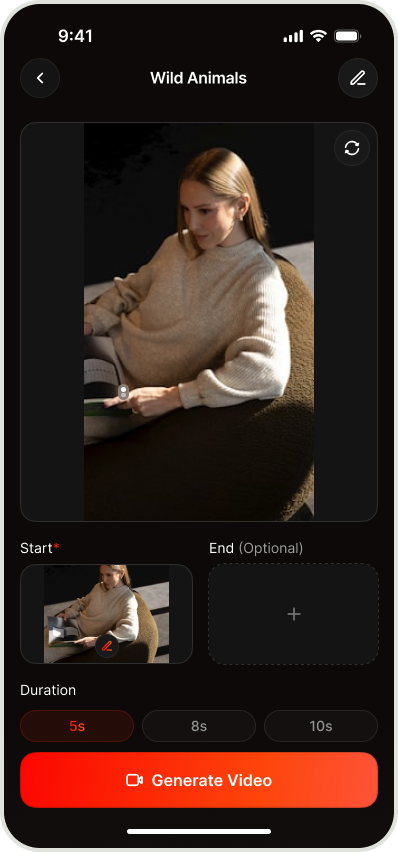
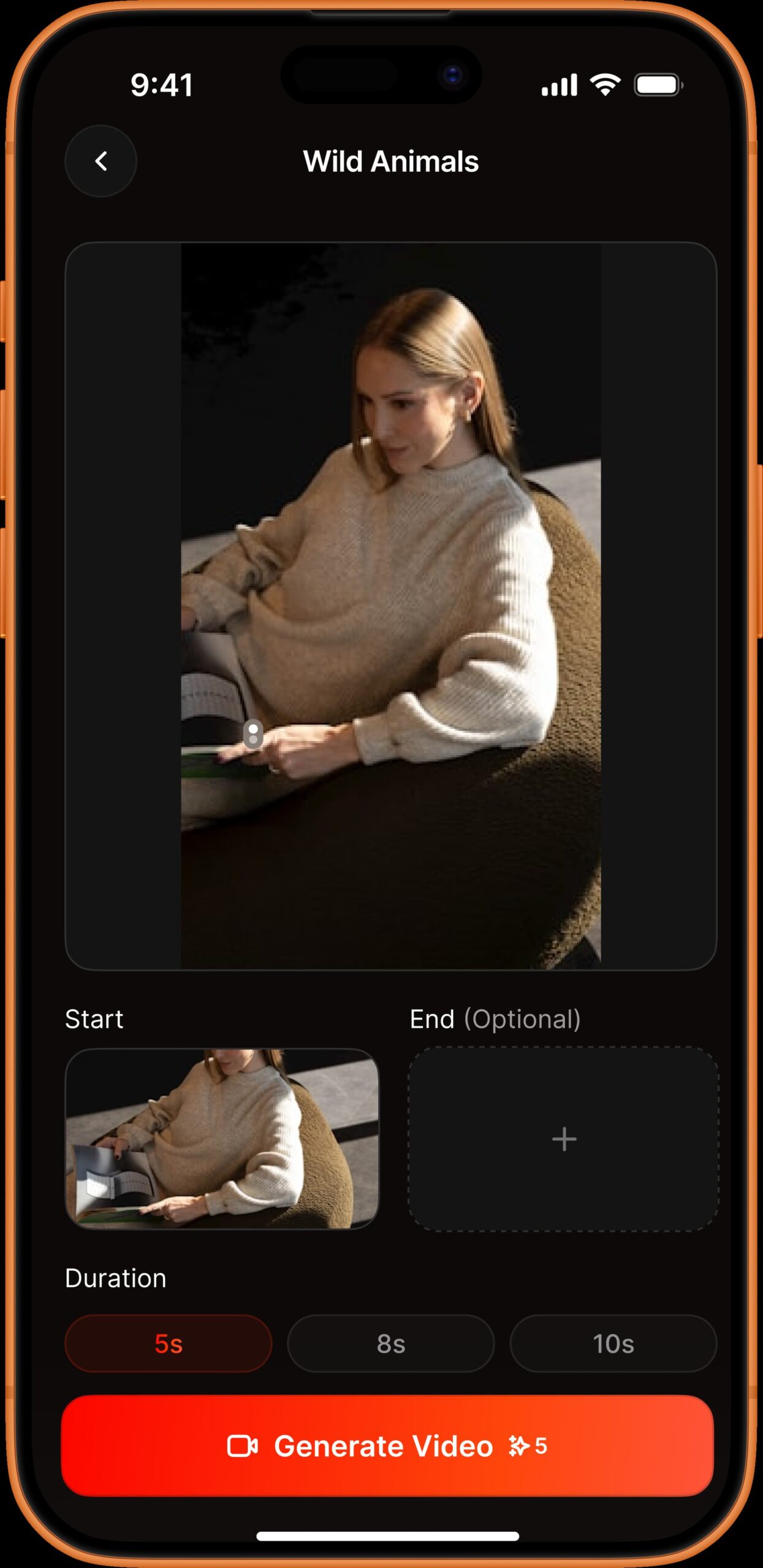
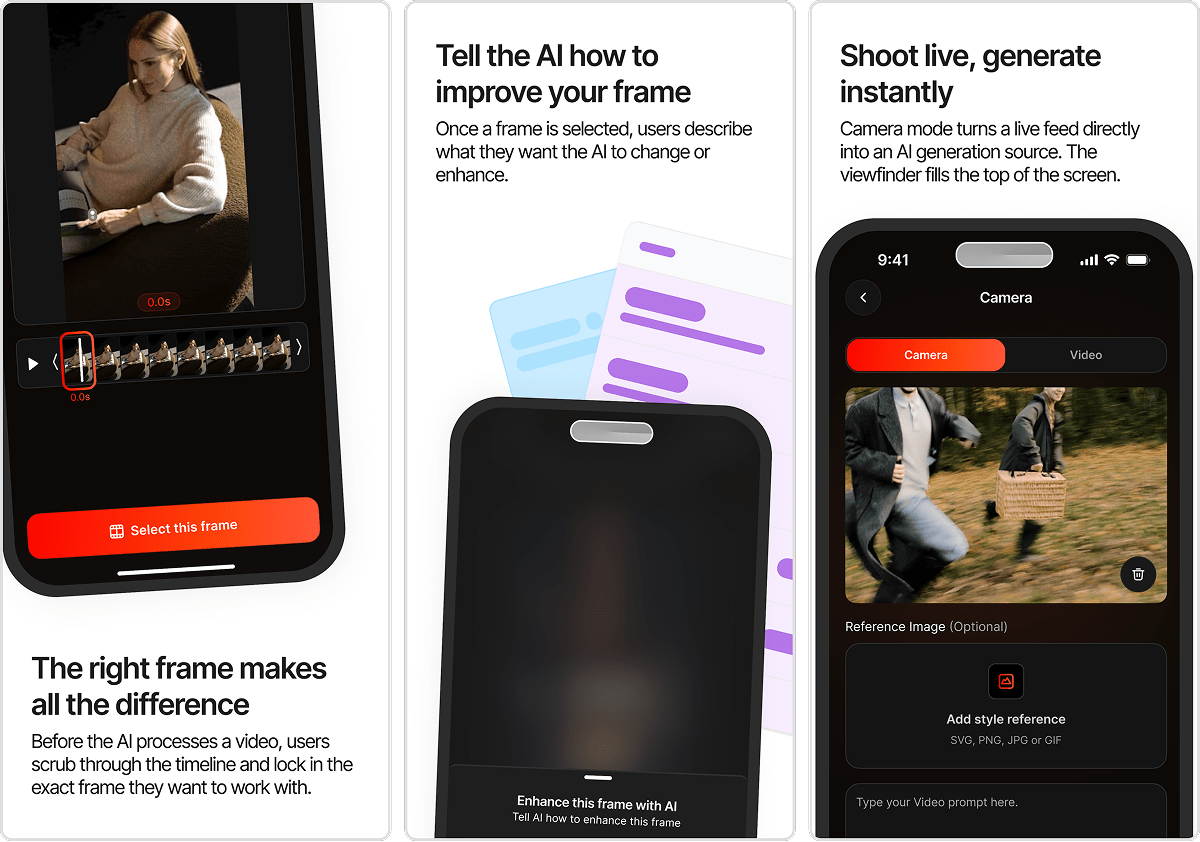
Once a clip is selected, users trim it to the exact moment they want. The timeline scrubber lets them set a start and end point, and a duration counter gives precise control.

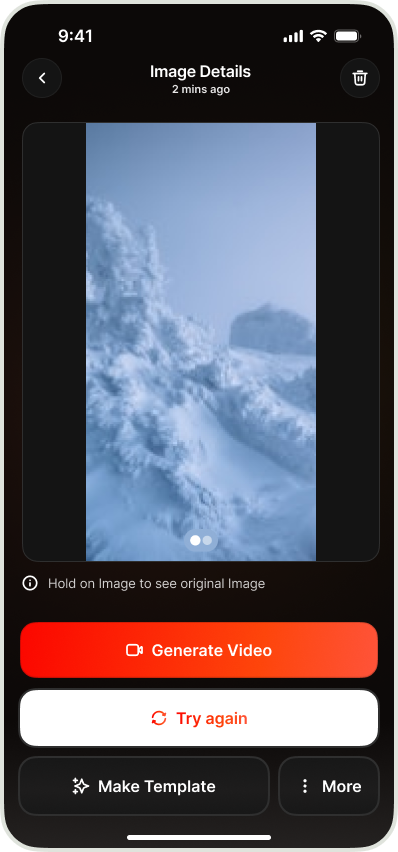
The orange "Generate Video" button at the bottom kicks off AI processing. This screen is all about giving users control before committing to a generation.

Drop a photo, get an AI creation

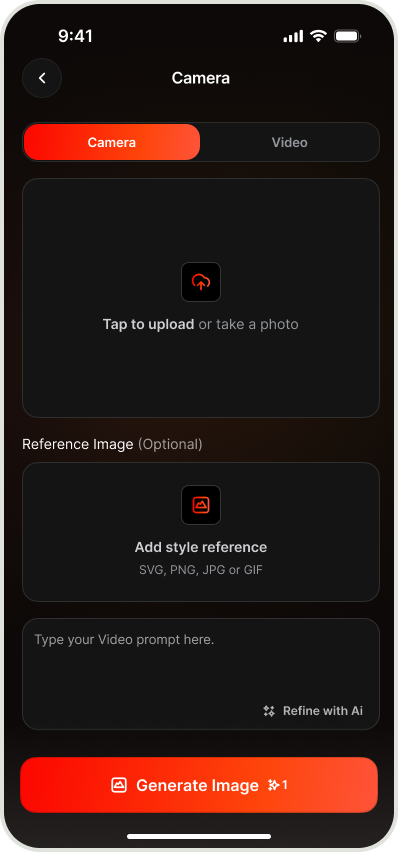
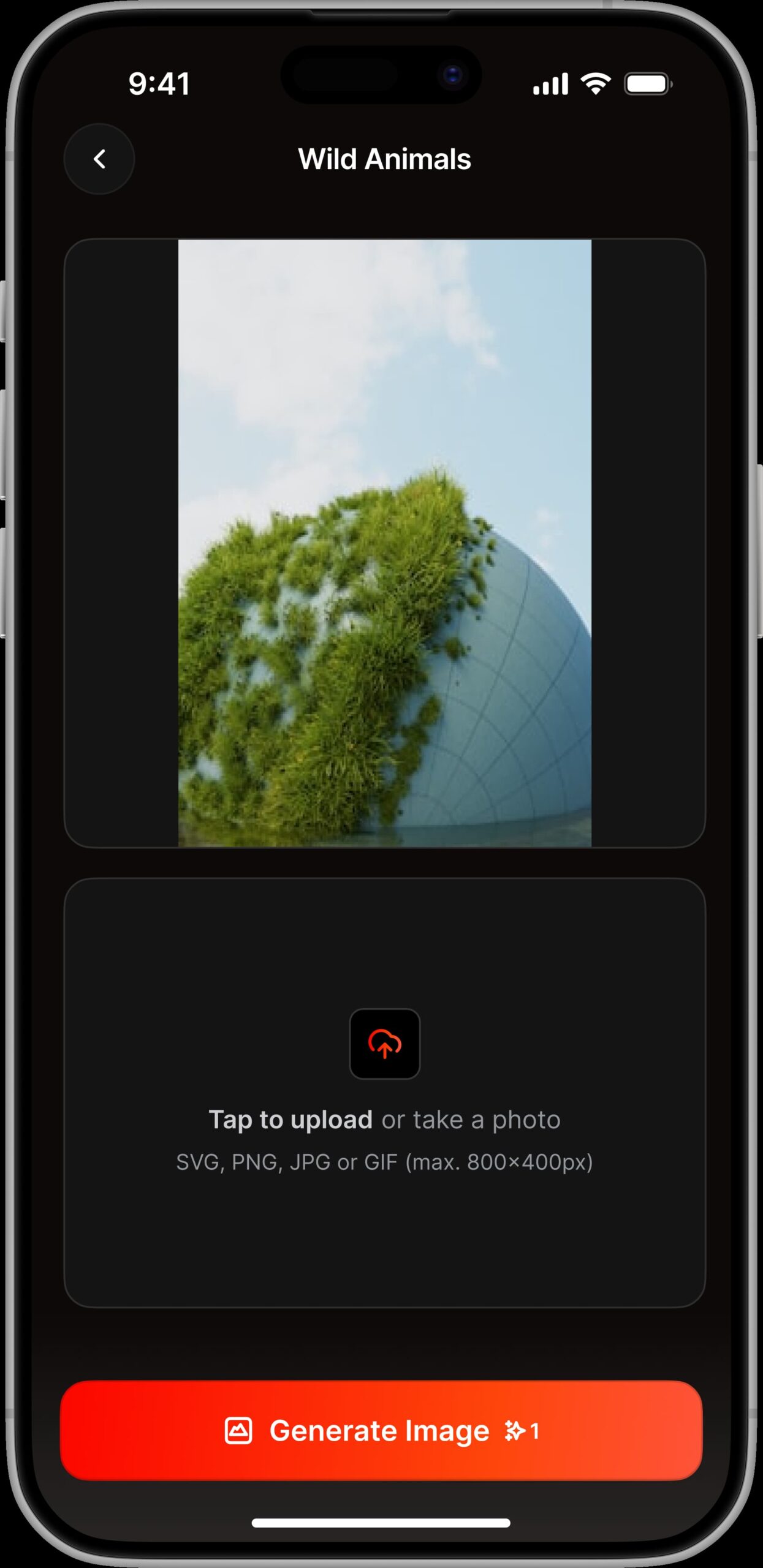
A clean upload interface where users place a reference photo to generate a new AI image from it. The upload zone is front and center with clear file format and size guidance below.

The orange "Generate Image" button at the bottom mirrors the video screen, keeping the experience consistent across both creation modes.
Twisty is for everyone, not just creators, which meant the design had to feel effortless. Kubit understood that right away. They made something that feels natural to pick up whether you're editing your first reel or your hundredth. The flows are clean, the visuals are right, and our users
love it.
Sebastian Bondo

Co-Founder

We make complex products easy to use.